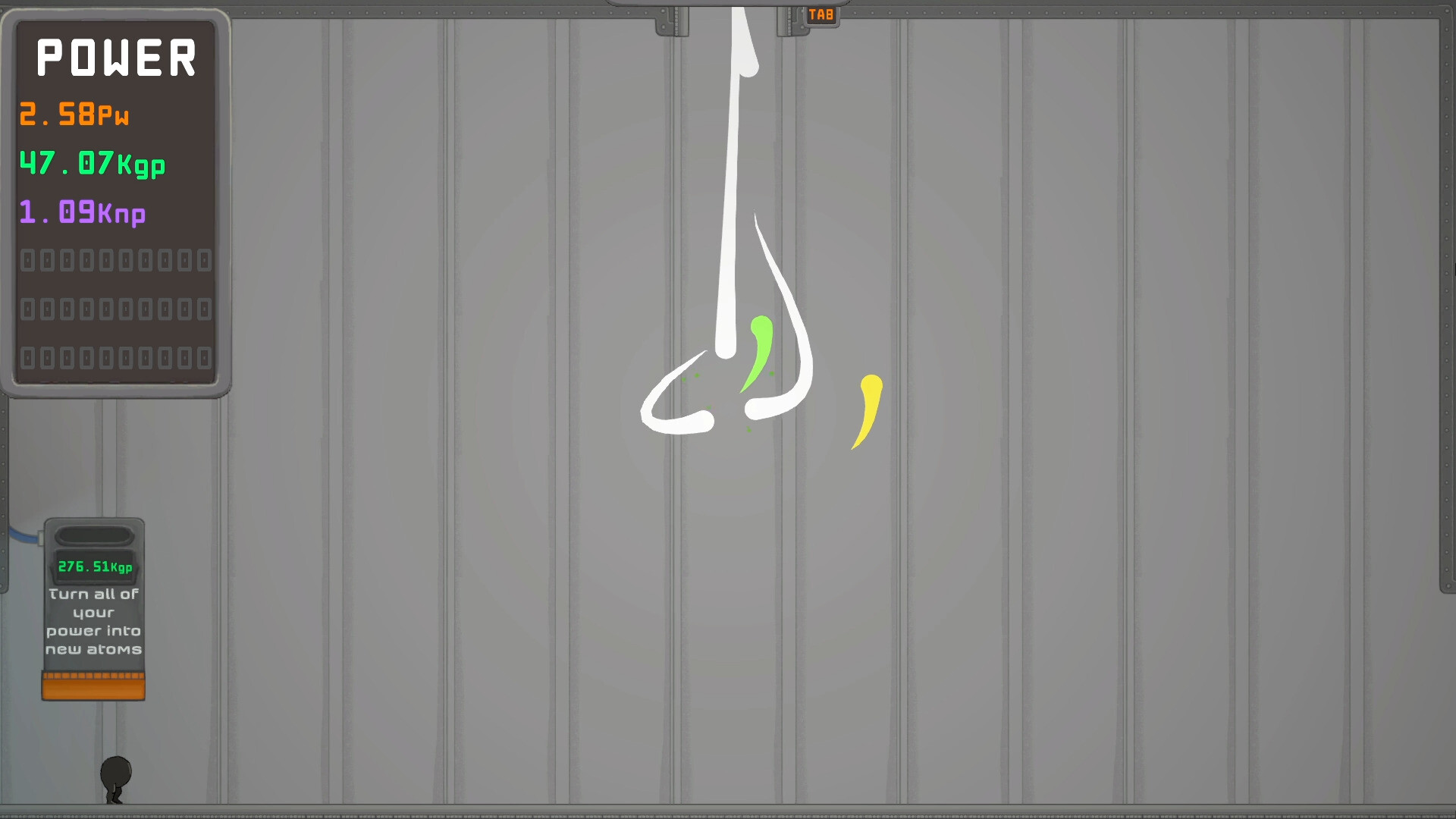
First question: which build are you playing?
Most "IGTAP not saving" reports have one root cause: the player is in a browser build, not the Steam game. The developer's own note on the galaxy.click demo page is explicit: "save/load only works on the steam version! please download it for the best experience." The itch.io web build is the same kind of free browser demo.
If you are playing in a browser and your run vanished after closing the tab, that is the expected behaviour of the web build, not a malfunction. galaxy.click exposes cloud save and tweak options for logged-in accounts, but the developer still treats Steam as the only reliable place to keep progress. Long demo runs are best treated as a trial of the loop, with real saves starting on the paid build.
Browser-side checks for the web builds
If you want to keep playing in a browser anyway, run through the usual suspects. Site data cleared by privacy tools, browser settings or "clear cookies on exit" rules will delete local saves. Private or incognito windows discard storage when the window closes. Switching browsers, devices or profiles means switching save stores.
Community comments also show that the web builds can hold onto some settings stubbornly — one player reported a windowed display setting surviving a data reset — so storage behaviour is not always symmetrical between what is kept and what is lost. There is no official fix list for browser storage issues; the reliable answer from the developer is to use the Steam version.
Steam build: cloud and local save checks
The Steam release lists Steam Cloud support and the Save Anytime accessibility feature, meaning the game writes progress as you play rather than only at exit points. If progress seems lost there, check the basics: Steam must be online for cloud sync, and the per-game Steam Cloud toggle (game Properties in your library) must be enabled. A sync conflict dialog at launch can also mean an older cloud save overwrote newer local progress — always choose carefully when Steam asks which copy to keep.
Restarting the game or the Steam client and verifying file integrity through the game's Properties menu are the standard first steps the community suggests for any Steam build oddity. If the game crashes on start rather than losing saves, a "Crashes on Start" thread exists in the Steam discussions with community-reported workarounds.
Community-reported save bugs and save editing
A few genuinely broken-save reports exist in community threads. An itch.io commenter described a black screen after buying "boost all previous courses" that persisted across page reloads and ultimately required deleting the save and replaying — they noted the fresh save worked normally afterwards. The "Dash not working?" Steam thread was answered by a community member who attributed it to corrupted player data and linked a save-editing tutorial.
That kind of save editing — manually changing values in a player data file — is a community workaround, not an official fix. It can brick a run, invalidate achievements in spirit, and the file format is undocumented. If you try it, back up the save folder first, and understand that no official restore path is guaranteed.
Where to report a save problem
There is no official support website or Discord for IGTAP. The developer runs a structured bug report thread on the Steam Community Hub and asked reporters to include the platform, whether the issue always replicates, a detailed description and screenshots. Hotfix #1 on release day fixed two softlocks, which shows reports posted there do get acted on quickly.
When reporting, state whether the loss happened on Steam or in a browser build, roughly how much progress was lost, and whether Steam Cloud showed a sync conflict. If your issue is specific to browser play, our browser guide explains the storage limitations in more detail, and the download guide covers moving to the Steam build.